
Draw it. Scan it. It comes alive.
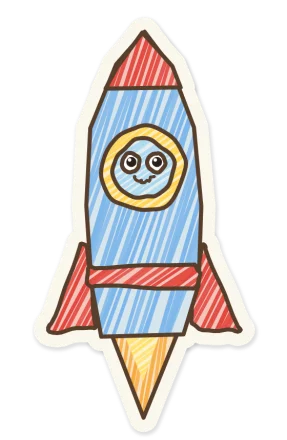
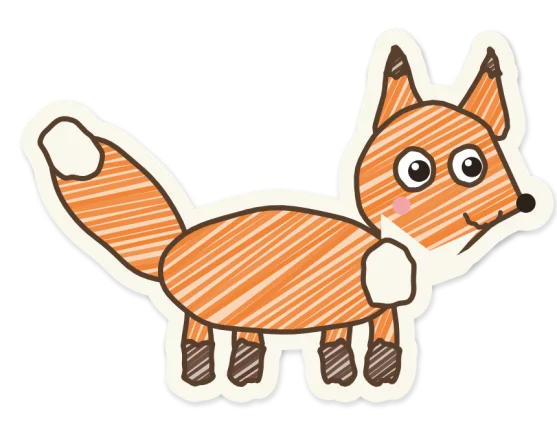
A play app for children. What they draw or cut out on paper walks, swims and plays on their own island, and joins every game.
 Coming soon to the App Store and Google Play
 Play an adventure now on a TV or computer, no app needed
Got a code on the screen? Open join.craftums.com on your phone.
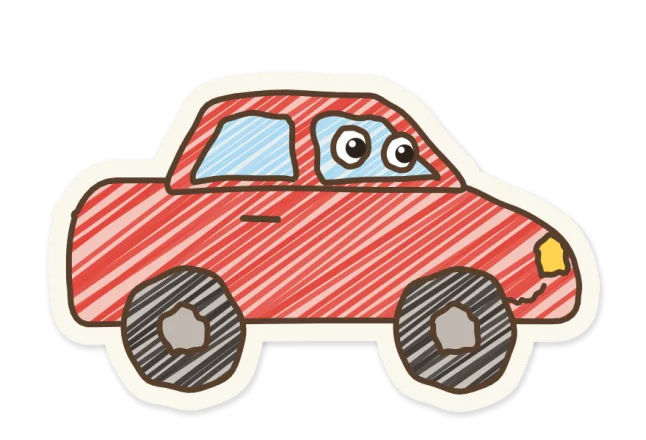
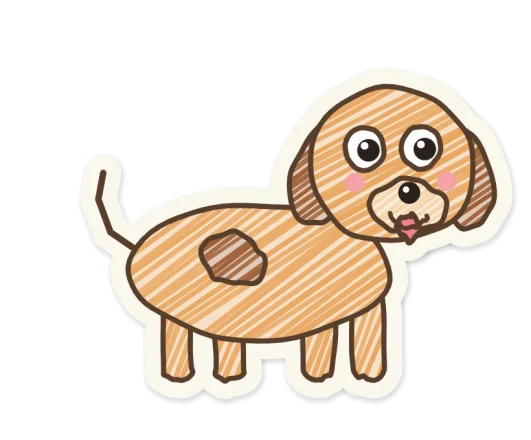
Craftums started with one child who doesn't like crafts. So we made his drawings come alive.
How it works
-
Draw
On real paper. A scribble, a cut-out or a coloured-in outline: anything counts.
-
Scan
Point the camera at it. The app cuts it out and keeps the child's own lines and colours. It never redraws them.
-
It comes alive
A moment later it hops onto the island, and it can play in every game.
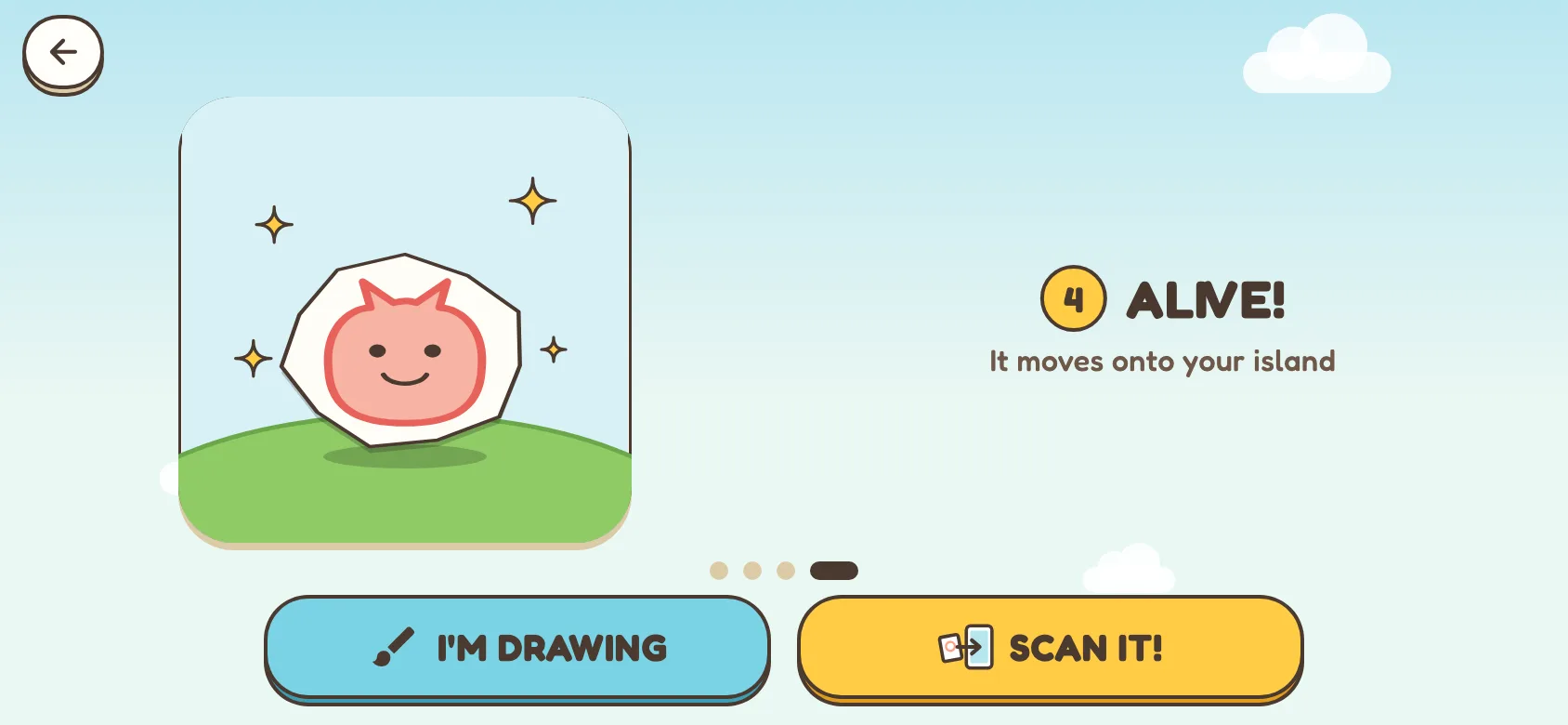
The first time, the app shows these steps in four picture cards.
What's inside
Every part of the app uses the things your child made. Playing needs no reading: pictures and a pointing hand show each game.
Craftum Island
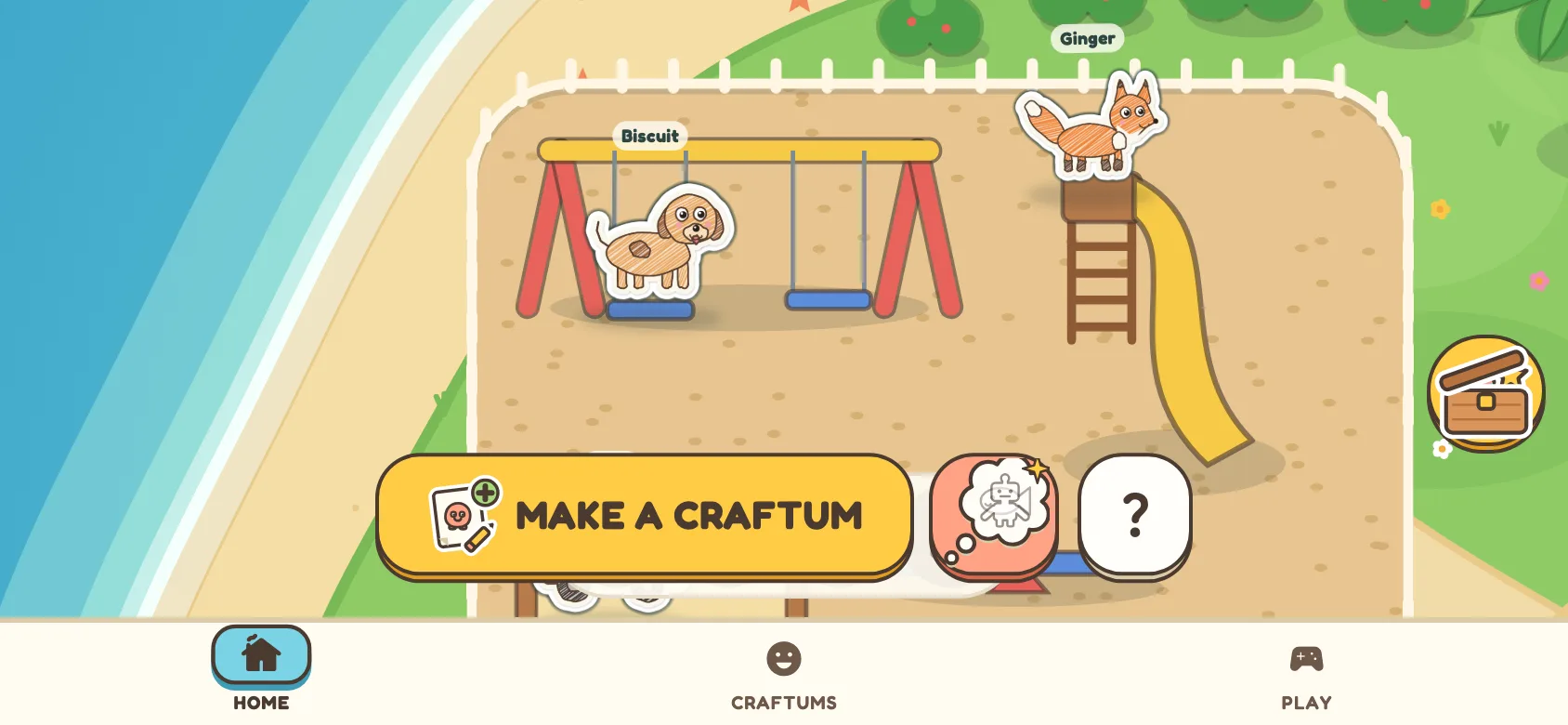
Every Craftum lives on a paper island. They swing, slide, swim, play volleyball, nap in hammocks and take the boat out. Tap one and it hops; drag it anywhere. Things made on paper, like a tree or a house, can stand on the island too. In the village, an empty plot asks for a house or a tree, and whatever the child draws for it stands there.
The collection and Decorate
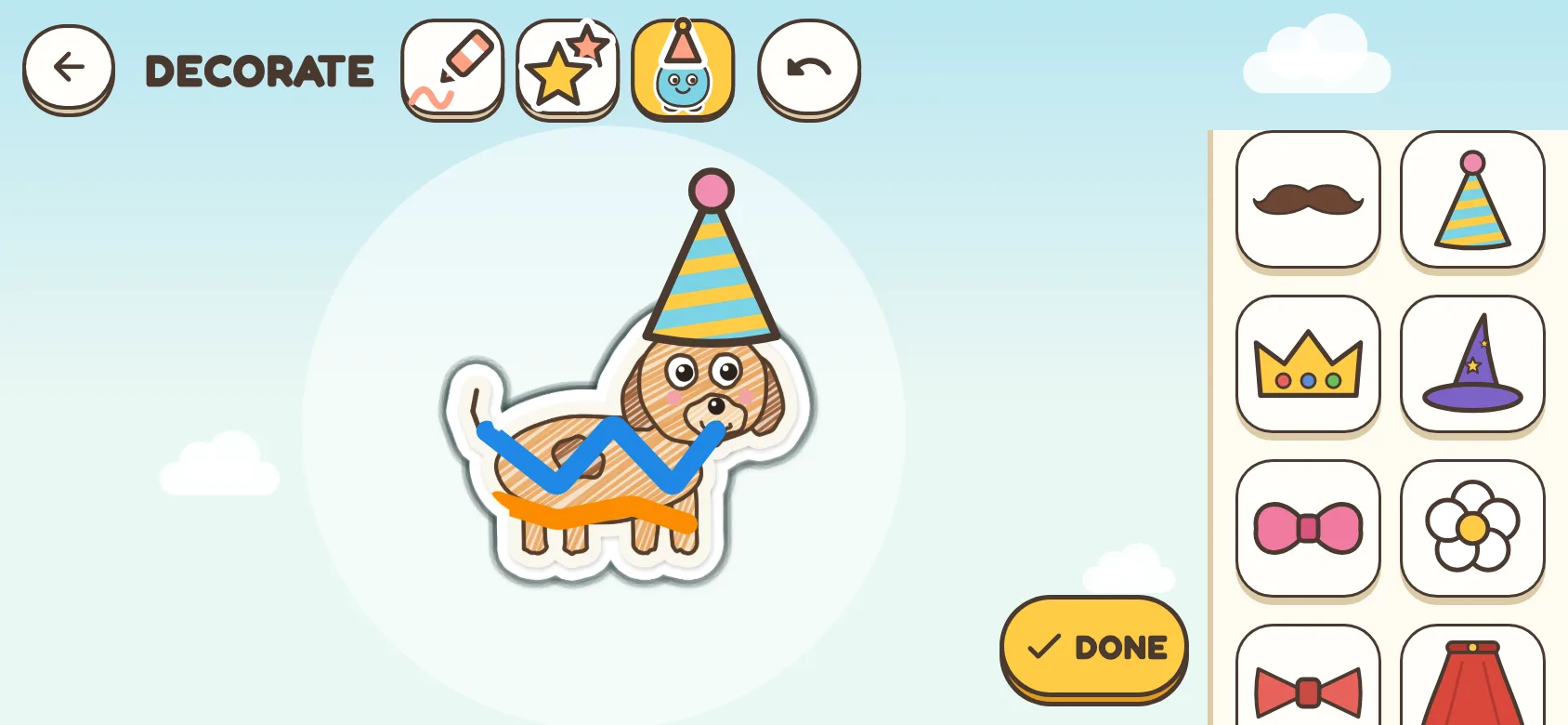
All Craftums together, like a toy shelf. Each one keeps its own name. In DECORATE a child colours on their Craftum with a chunky crayon, adds stamps, or dresses it up with hats and glasses, painted ones or ones they made on paper. The scanned drawing itself is never changed. Houses and other things on the island can be coloured in too.


Make a picture book
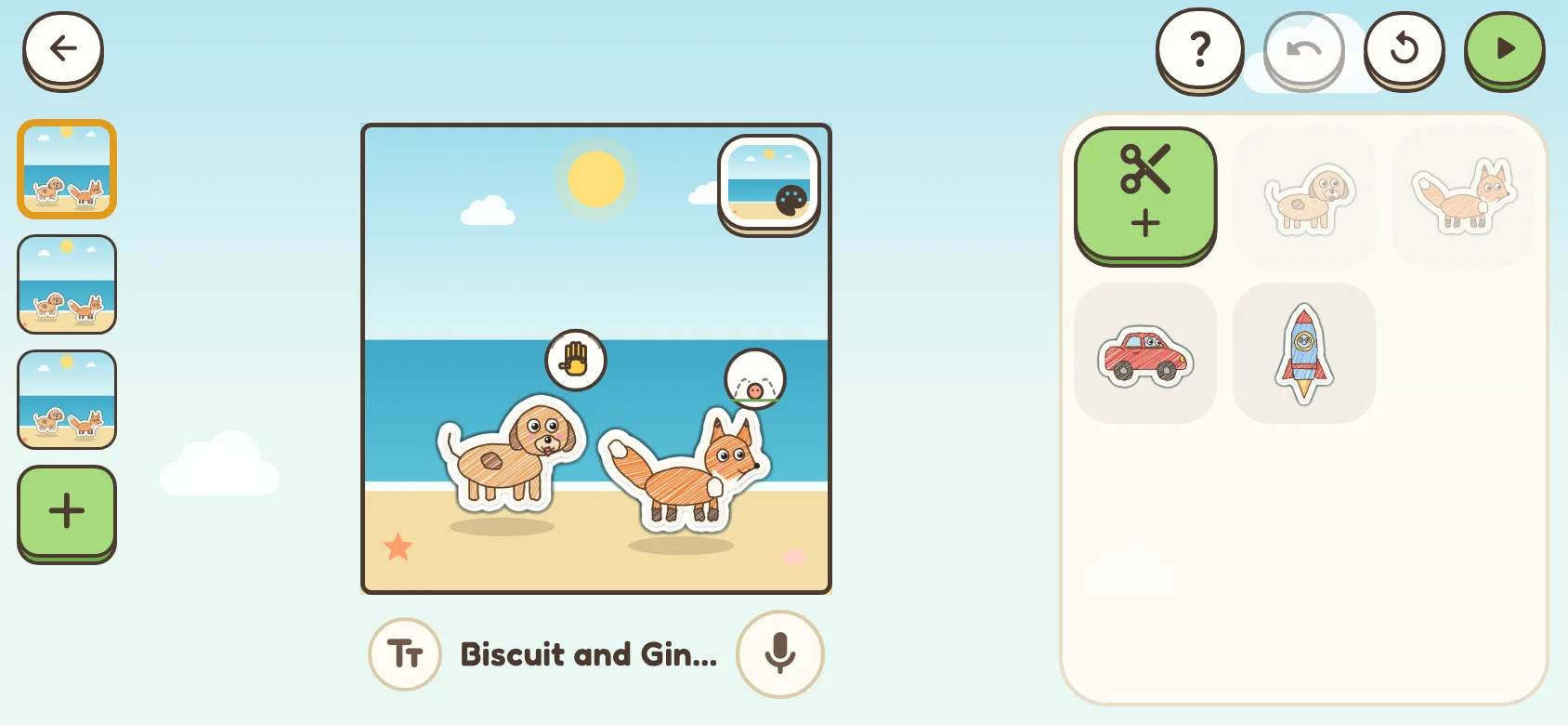
Put Craftums on a page, make them walk, hop, wave, fly, say something in a bubble or go into a house, and add more pages. Then watch it as a book that turns its pages, or as a movie. An example book with the starter friends, Where is Ginger?, shows what a book can do. A grown-up can add words or record a voice for a page; recordings stay on the device.
Draw a track, then ride it
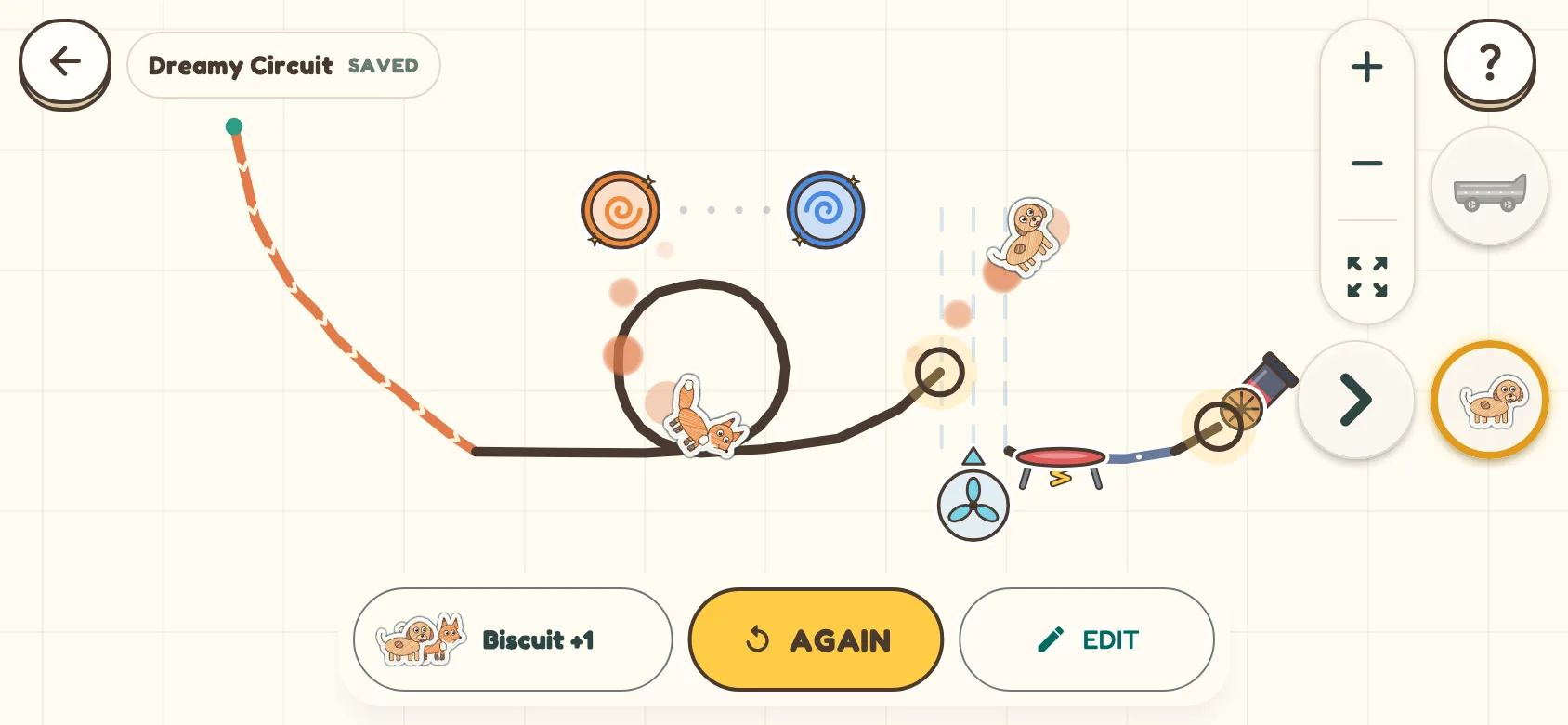
Draw a track with a finger, then add trampolines, portals and cannons. Press play and their own Craftum rides it, jumps and flies. There is nothing to win or lose: change the track and ride again.
Play together with a grown-up's phone
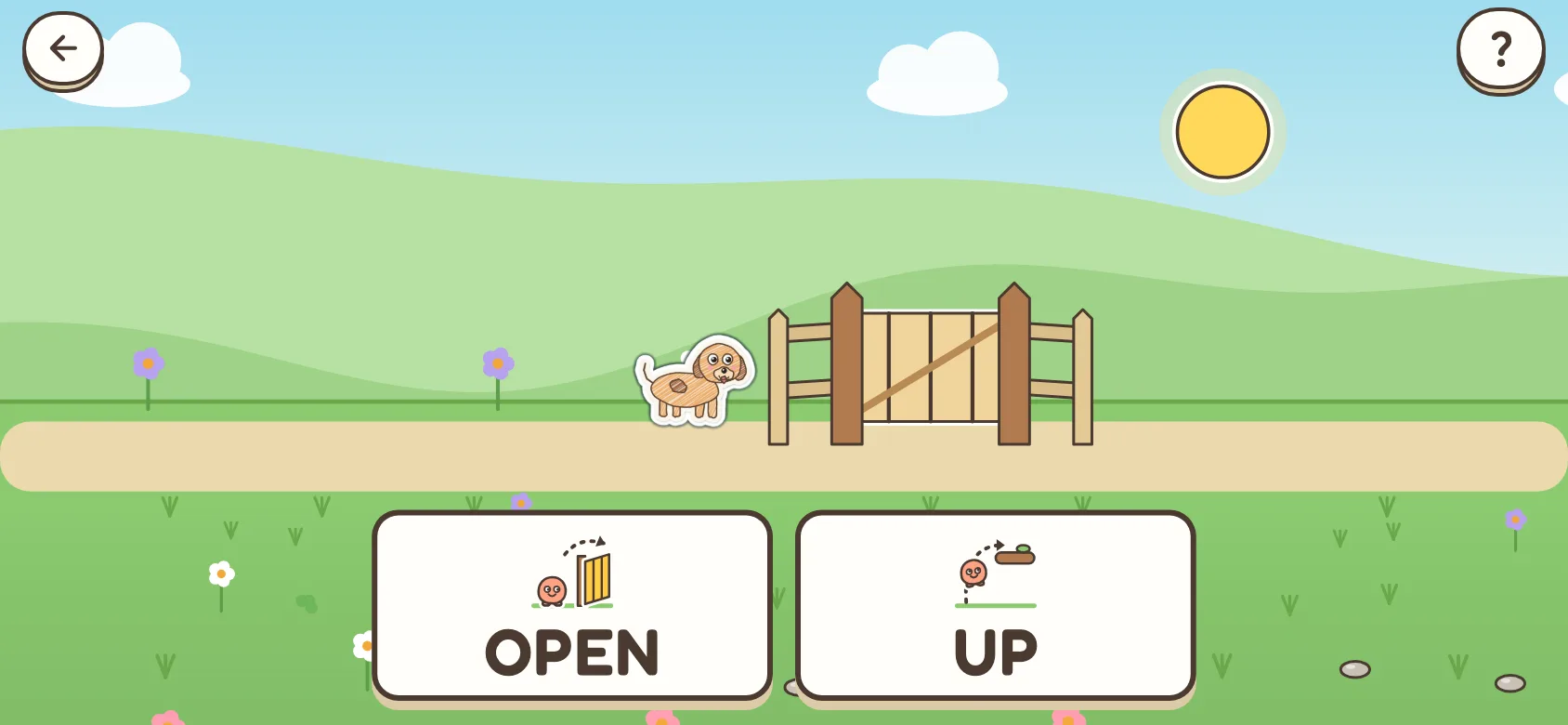
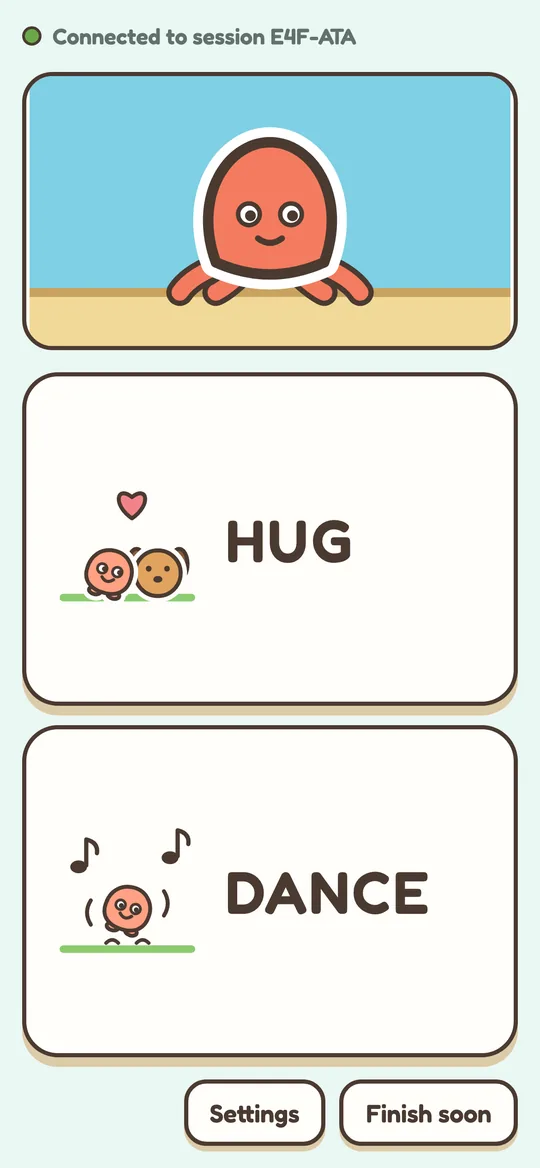
An adventure a child plays with a grown-up: when the child says a word, their Craftum does it. It walks a path through a meadow, a forest, the clouds and under the sea, and stops at things on the way: a log, a sleeping bear, a stream. Picture cards show one easy word. The child says it, signs it or points to it, the grown-up taps it on their phone, and the Craftum acts at once. Any try counts. At a crossroads the child's word picks the way.
A grown-up can also choose sums: a sign shows one, and when the grown-up confirms the answer, the Craftum gets past and walks on.
To try it without the app, open play.craftums.com on a TV or computer. It plays with four ready-made Craftums, and the grown-up's phone scans the code on the screen.
The small screen is the grown-up's phone, showing the same words as the cards. The phone scans a code on the tablet: no app and no account on the phone. It needs the internet, and only button presses travel.
The real routine, done together
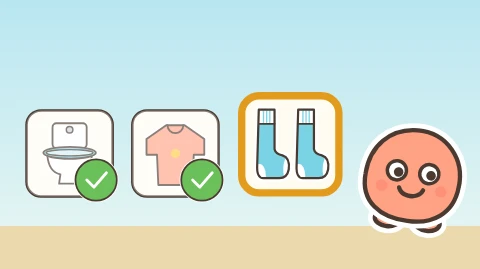
Getting ready for school or for bed, getting dressed, washing hands, going out. The child sees one step at a time as a big picture card, and their Craftum shows how. When it is done for real, the child or the grown-up taps the green tick, and the next step comes.
A grown-up picks the steps, puts them in order or makes a routine of their own. A step the app lacks can be drawn on paper or scanned: a drawing, or the real thing, like the child's own toothbrush or school bag. Like every scan, it stays on the device.
Activities with their own Craftums
Big modes to come back to, and quick activities. In every one the star is something the child made. Nothing is lost: no lives, no game over, no timer that tells them off.
Eight activities are there from the start; the others move in one at a time, when the child makes a new Craftum or plays on a new day. A grown-up can put them all out at once in Settings.
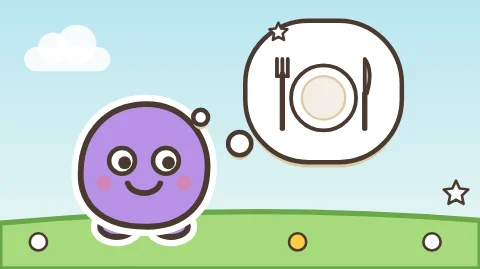 WishesA Craftum is hungry or sleepy. Make something on paper that helps.
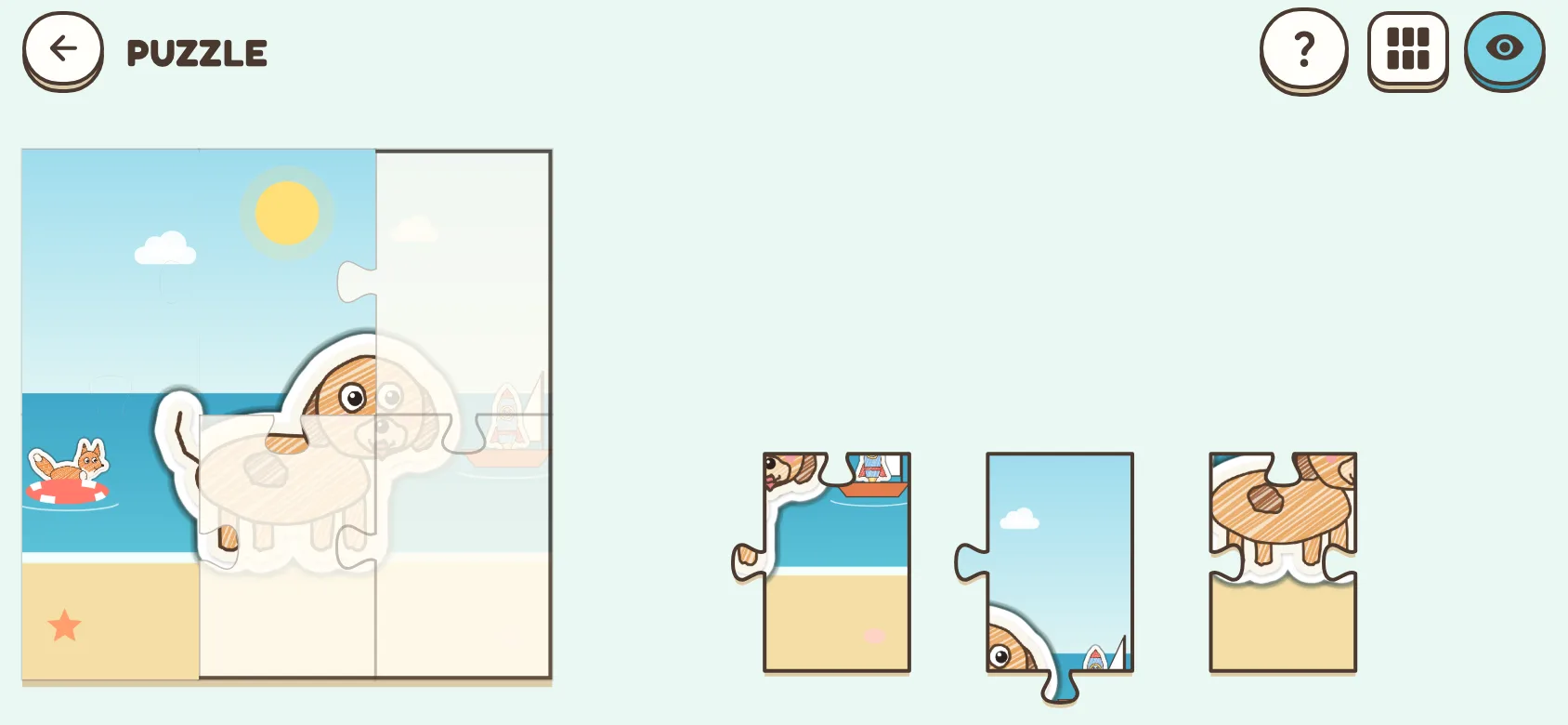
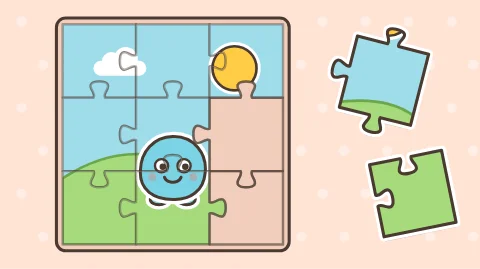 PuzzleTheir own Craftum as a jigsaw, from 4 pieces up, alone or with friends.
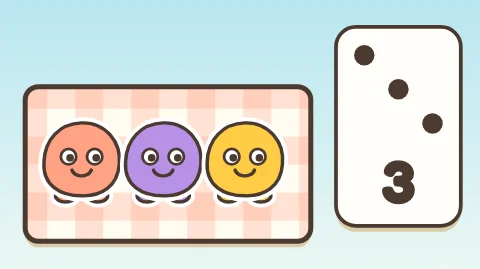 CountingCount Craftums, find which group has more, share a picnic. Numbers up to 10.
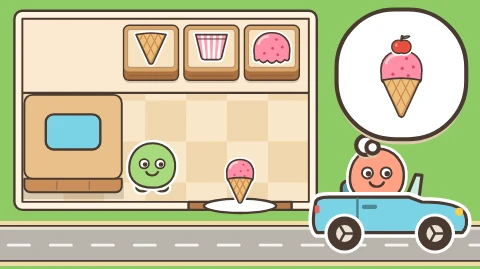 RestaurantA Craftum drives up and orders. Cook it step by step; food they drew can go on top.
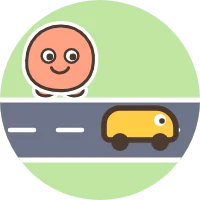 CrossingHop across the meadow, past ducks, sheep and a cow.
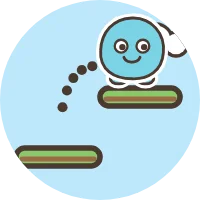 Sky JumpJump from platform to platform, up into space.
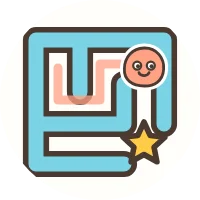 MazeGuide a Craftum to the star.
 BandPlay music, then play the tune back.
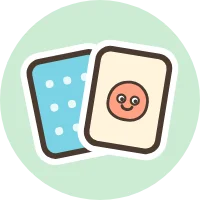 PairsMemory cards with their own drawings.
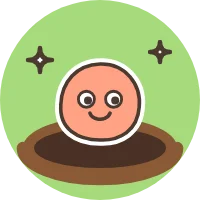 BoopBoop the Craftums that pop up. Let the mole sleep.
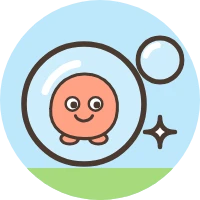 PopPop bubbles and watch what is inside float down.
 PeekabooFind the Craftums hiding in the meadow.
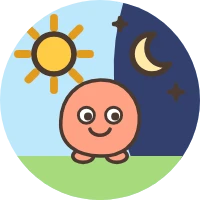 Craftum DayYour Craftum's day: get up, go shopping, have lunch, sleep over with friends.
 GardenBring rain and sun, and the flowers grow.
 Dot to DotJoin the dots and see which Craftum appears.
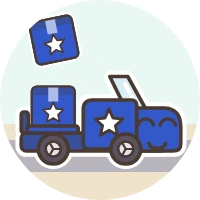 Moving DaySend the truck that fits and fill the house.
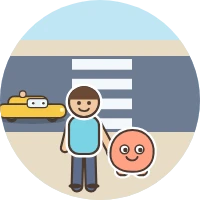 Stop, Look, GoCross the street with a grown-up: stop, look both ways, wait, go.
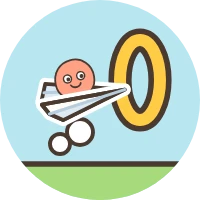 Paper PlaneThrow the paper plane, then tap to blow it through the rings.
Made for children
- No adsNobody pays to show your child anything.
- Free, nothing to buyNo in-app purchases, now or later.
- No accountsNo sign-up, no login, no email address.
- No trackingWe run no analytics and follow nobody. The app contains no third-party SDKs that collect data.
- Photos stay on the deviceThe camera picture is cut out on the device, and only the cut-out is kept there.
- Grown-up things are behind a holdSettings, printing and throwing things away need a grown-up to hold a button for two seconds.
- Pictures, not wordsA pointing hand shows how each game is played, so nobody has to read.
- Eighteen languagesEnglish, Dutch, German, French, Spanish, Italian, Portuguese, Swedish, Norwegian, Danish, Finnish, Polish, Czech, Turkish, Greek, Hungarian, Romanian and Vietnamese. The app follows the device's language.
Questions grown-ups ask
What do we need?
An iPhone, iPad or Android phone or tablet with a camera, some paper and crayons or pens. Scissors are optional: a drawing on plain paper works too. A tablet gives the biggest island.
What happens to the photos of the drawings?
The photo is taken and cut out on the device. The app keeps only the cut-out drawing, on the device, and deletes the photo. Nothing is uploaded. Read the privacy policy for the details.
Does it need the internet?
Only ADVENTURE's play-together needs it, to connect the tablet with the grown-up's phone. Everything else works offline.
Does the app listen to my child?
No. Nothing in the app listens or reacts to voices. In ADVENTURE a grown-up hears the word and taps it on their phone. The microphone is used only if a grown-up chooses to record a voice for a page in STORY; those recordings stay on the device.
What if the drawing is just a scribble?
Then the scribble comes alive. Any drawing counts, the app never asks what it is, and a scan is never rejected. The app comes with four starter friends so there is something to play with straight away; once your child has made their own, a grown-up can hide the starters in Settings.
Can we print things?
Yes. A grown-up can print a Craftum as a sticker sheet or as a colouring page, through the device's own print dialog.
Where do we get help?
The help page answers the common questions about scanning, sound, the phone in ADVENTURE, printing and deleting things. Or write to hello@craftums.com.
When can we get it?
Craftums is not in the App Store or Google Play yet. This page will link to both when it is.